
How to set Crawlbench monitor filters that cut noise
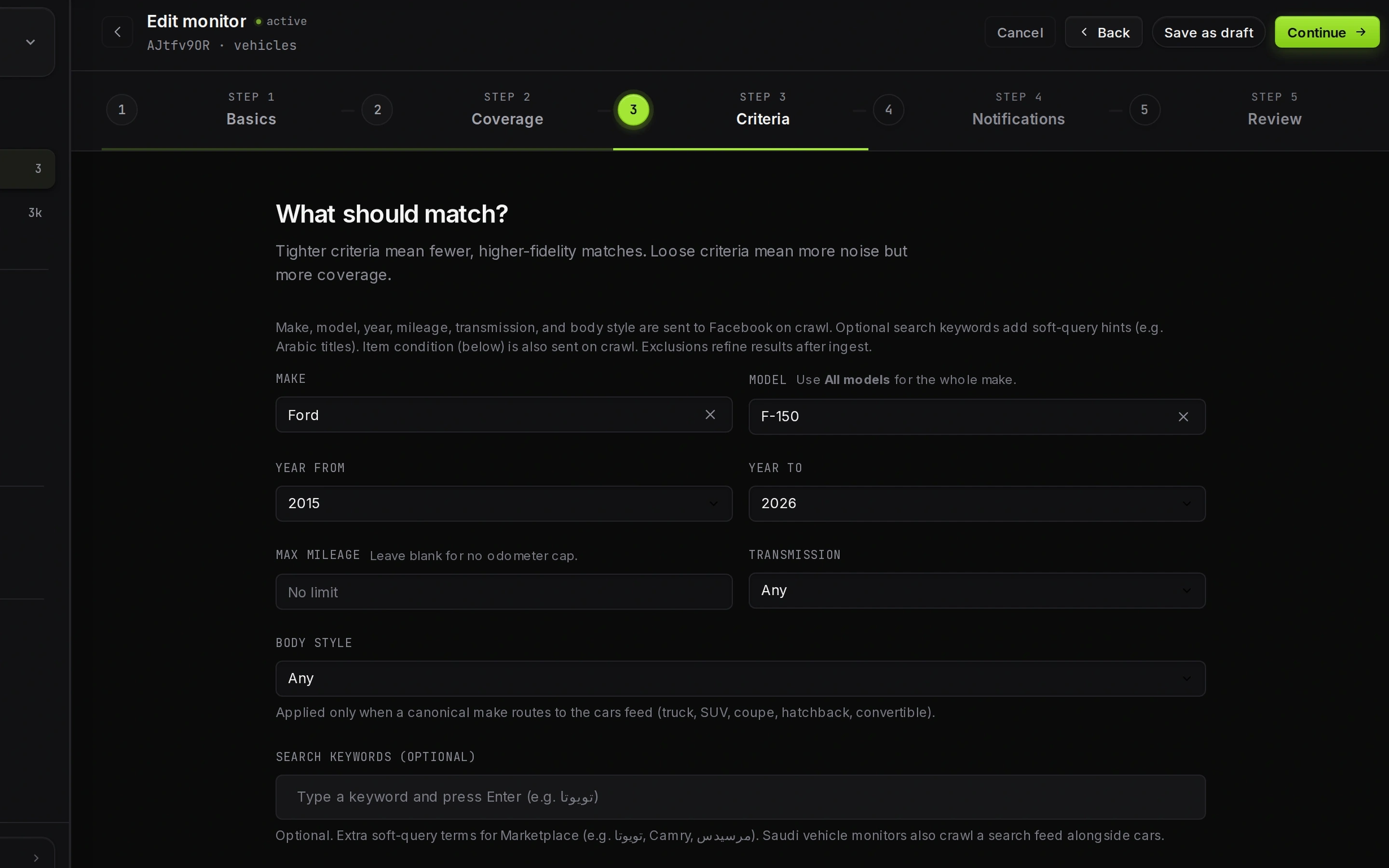
Set Crawlbench filters as a written buy box: identity first, then economics, then exclusions. The goal is a short match queue you trust, not maximum Marketplace volume.
If half your alerts are accessories, salvage, or the wrong year, the filter stack is wrong, not the product.
Start with identity, not keywords
For vehicles, prefer make and model fields when the wizard exposes them. Keywords catch misspellings later. For electronics, lock one SKU family per monitor.
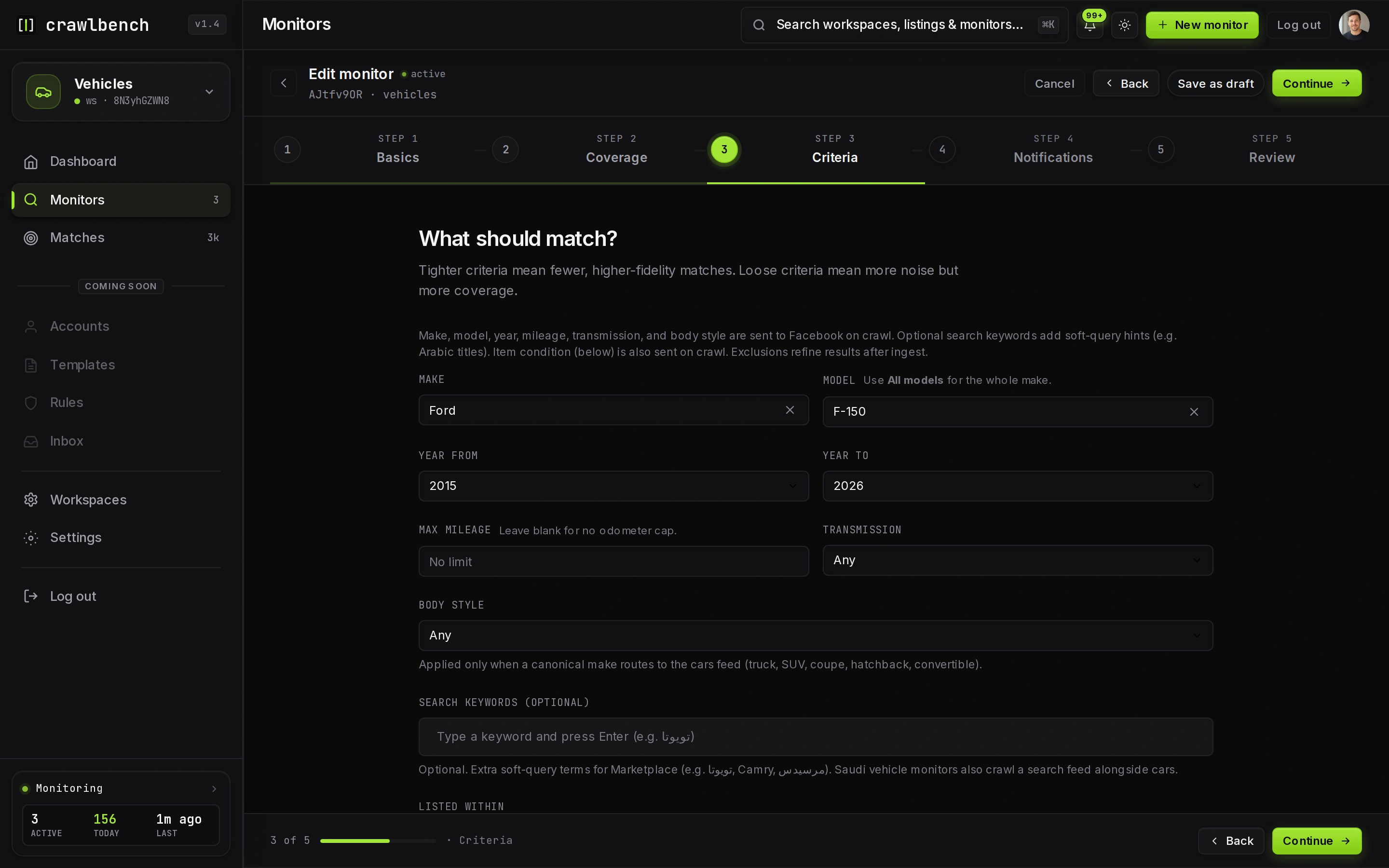
A make/model gate fails bed covers and "looking for a Tacoma" posts that a bare keyword would pass.
Add a price cap you would actually pay
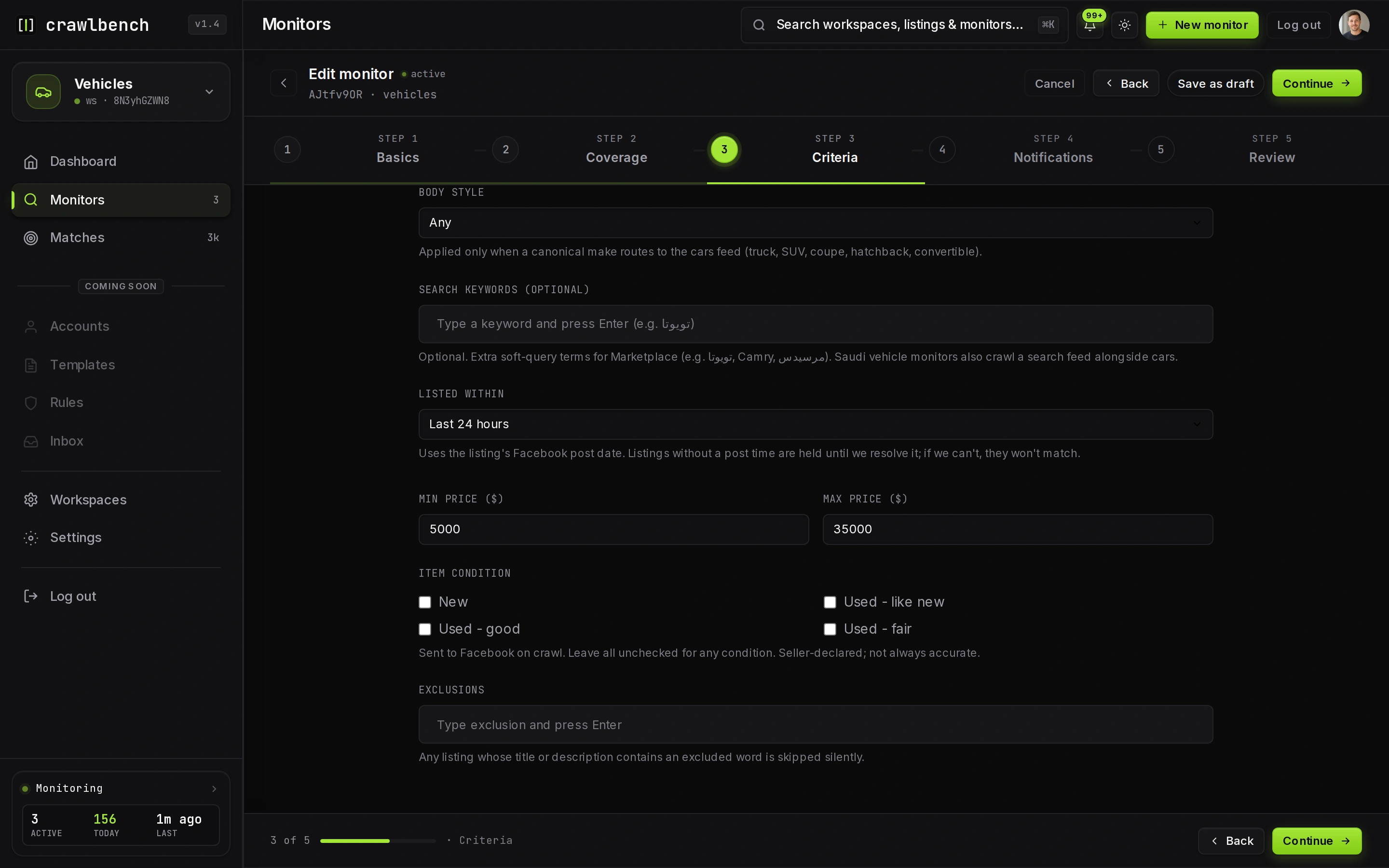
Set the max price to today's walk-away number, not last year's dream. Pair it with a year floor (vehicles) or condition constraints so $800 typos for late-model stock do not look like deals.
Use excluded terms as hygiene, not decoration
Add the phrases you always skip: salvage, parts only, blown motor, iCloud locked, room for rent, guaranteed ROI. Exclusions save more time than shaving another $500 off the price cap.
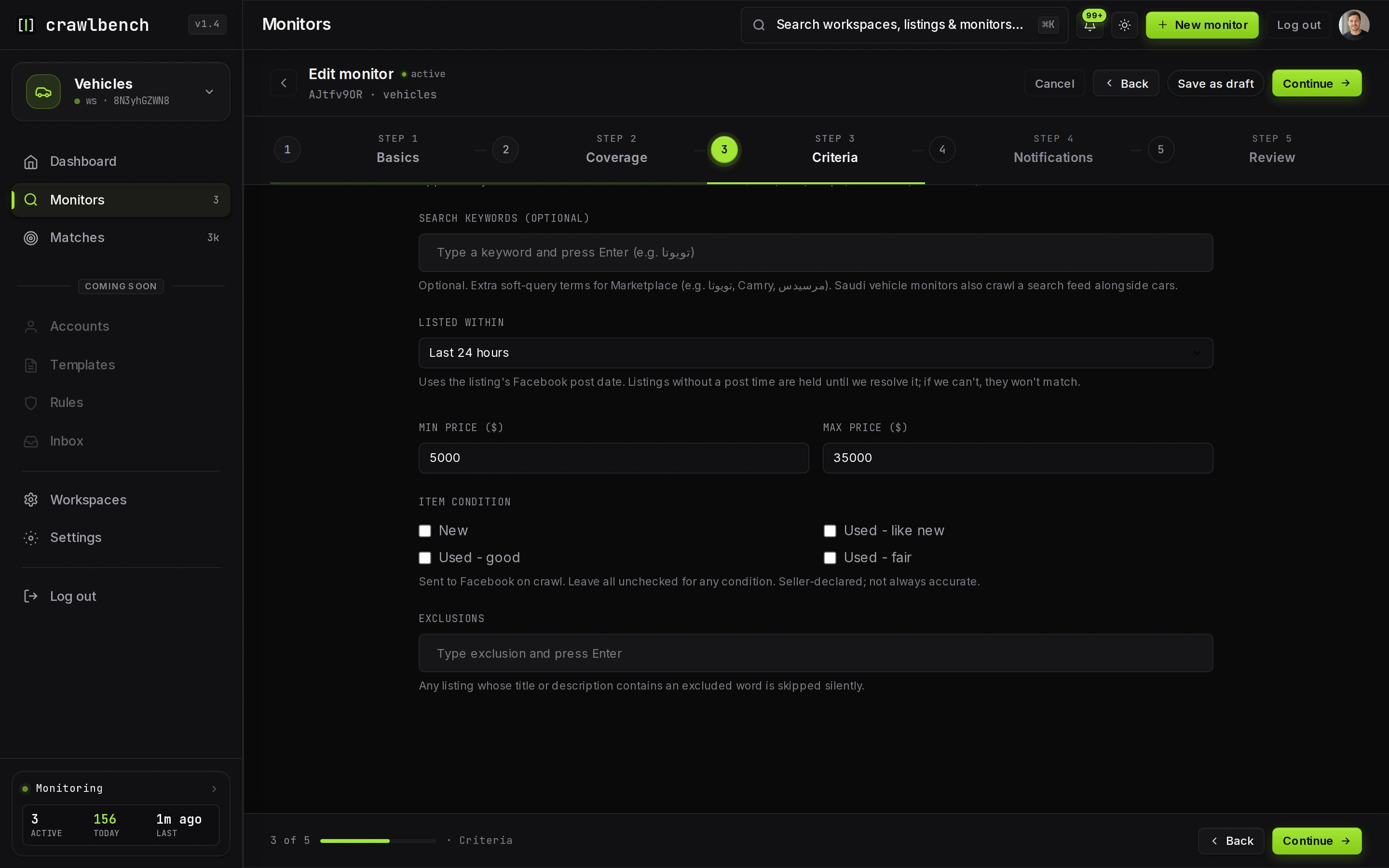
Change one dimension at a time after a week of junk. If you tighten price, year, and exclusions in the same edit, you will not know what fixed the queue.
How match reasons prove the filters worked
When a listing passes, Crawlbench stores match reasons at ingest. In the matches UI you can see why the row cleared the gate. Use that feedback to tighten the next edit.
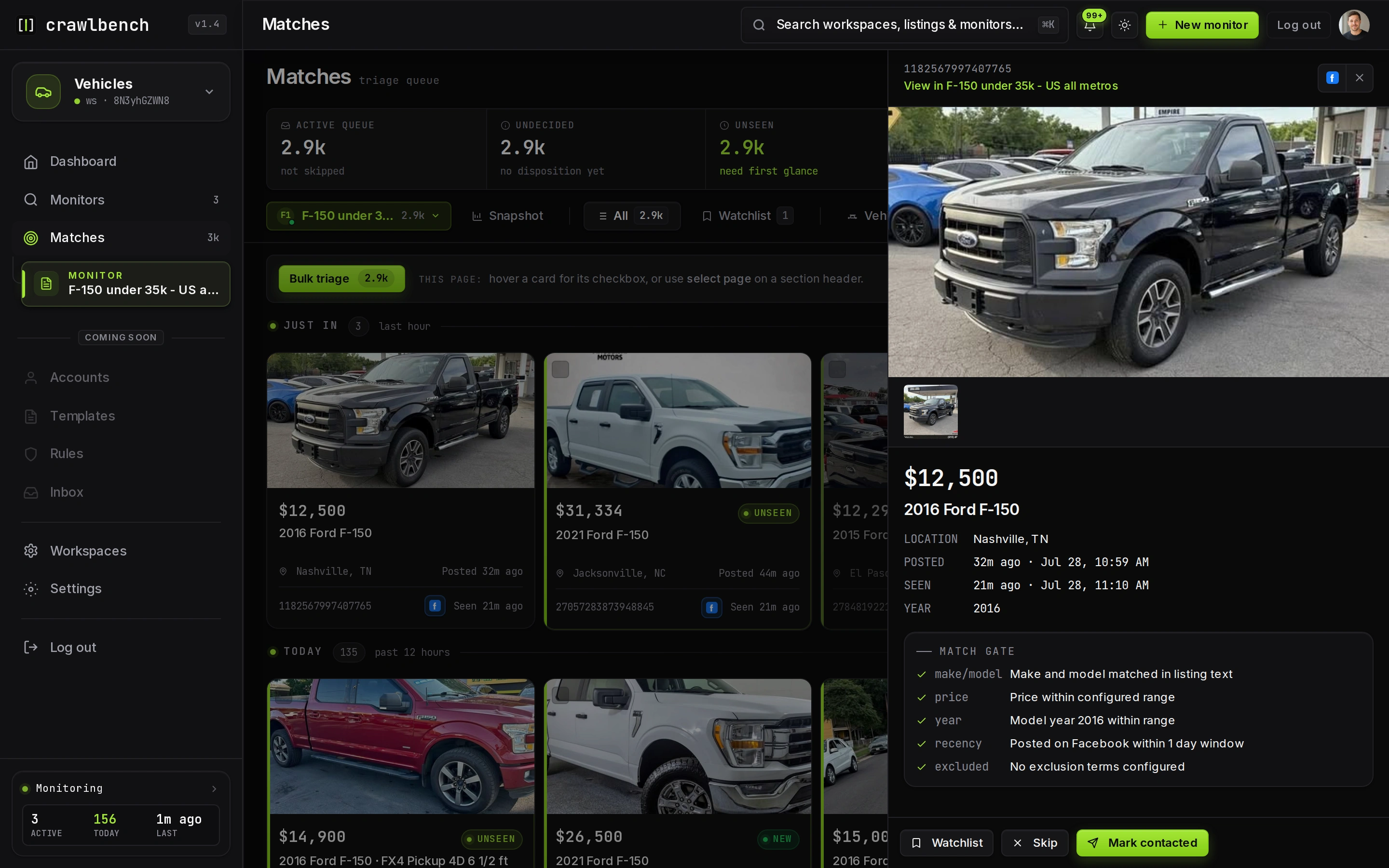
Filter edits affect new ingests. A listing already matched stays until you see it again under the new rules.
A minimal filter checklist
- Identity locked (make/model or SKU family)
- Price cap at walk-away
- Year or condition floor
- Three to eight excluded terms you always skip
- Radius honest to travel
Then open how to triage matches and keep the queue under two minutes per batch.