
Guides
How to use Saved for Facebook Marketplace price drops
Save Facebook Marketplace listings to follow their price. Set a target, compare with the usual price, and get an alert when the seller cuts.
Guides
Read why each listing passed, hide what you would never buy, then message the seller on Facebook or save it for later.
Triage Crawlbench matches as tickets, not as endless browsing. Read why the row passed, apply hard kills, then message the seller on Facebook or defer.
Crawlbench does not send the message. Speed still matters: the buyer who replies first usually wins the appointment.
From the dashboard or Matches, open the monitor queue. Newest candidates should sit at the top of your ritual even when Facebook's own feed reorders rows.
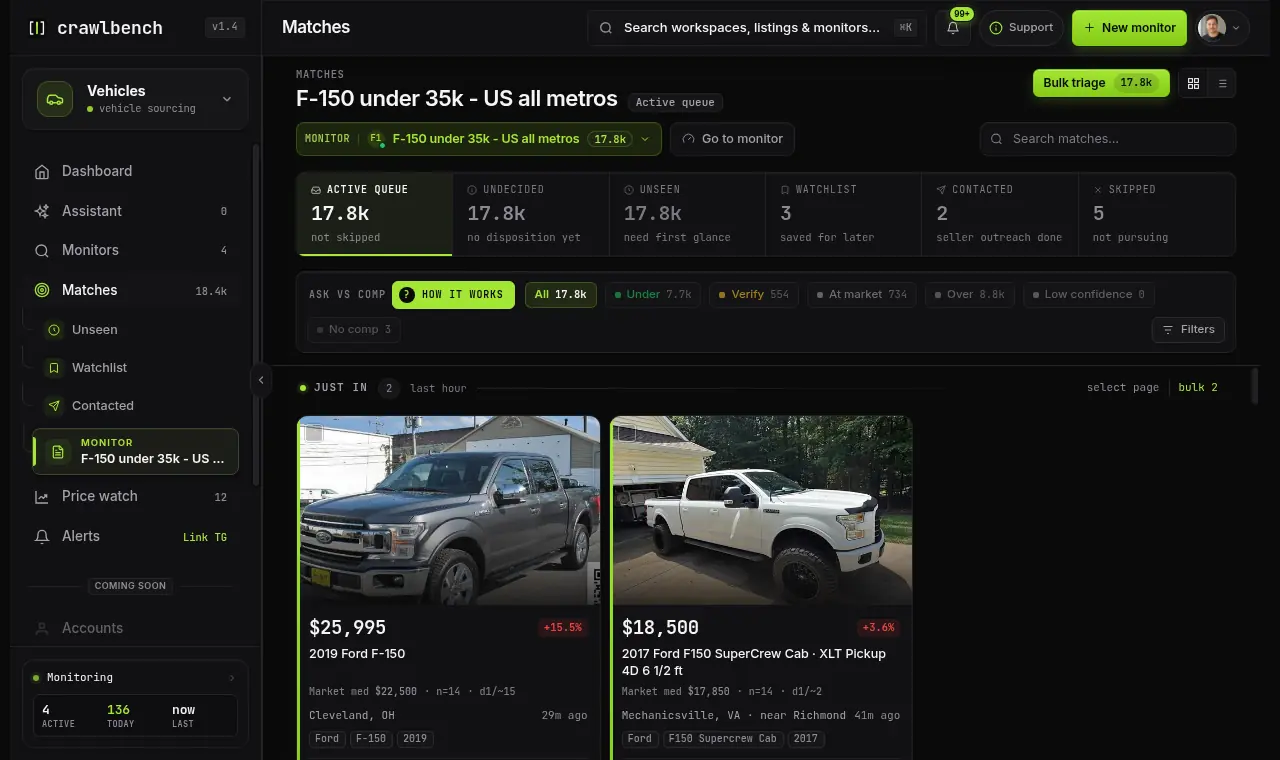
Match reasons explain which filter dimensions passed at ingest. Use them to trust or distrust the row in seconds.
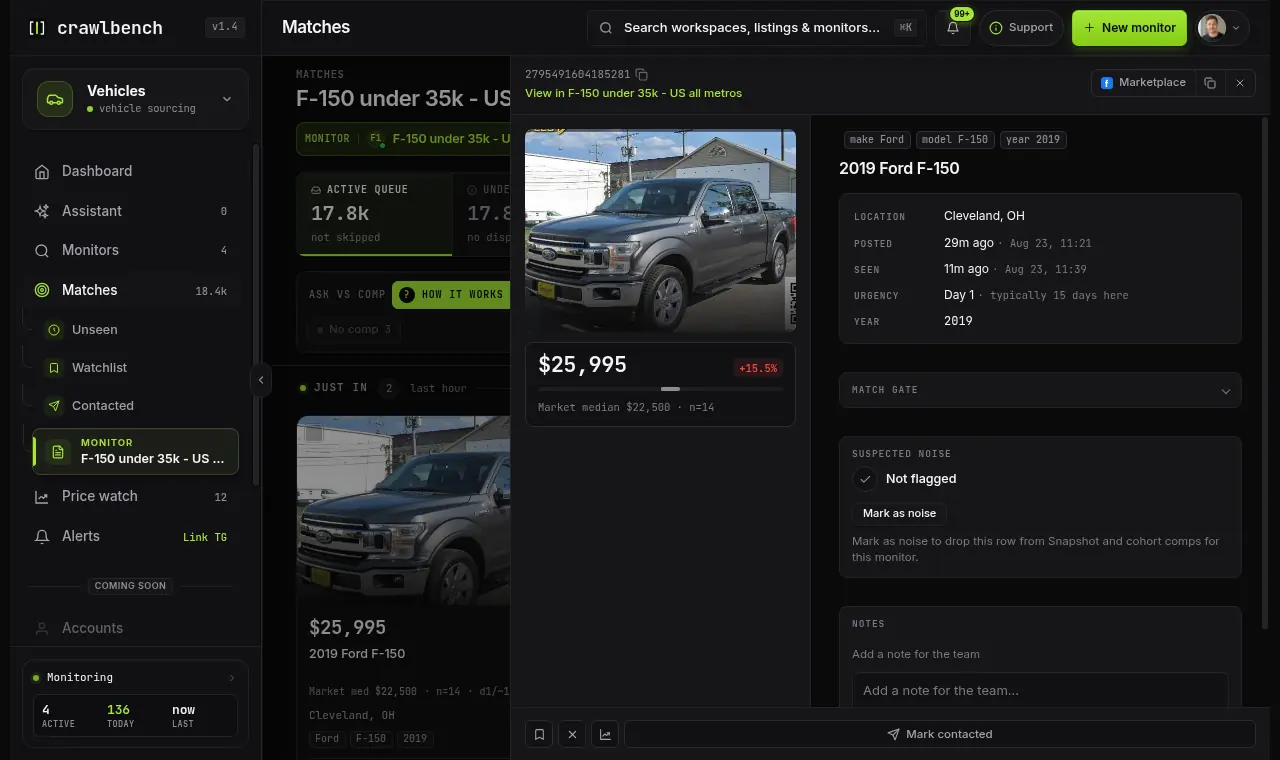
If reasons look right but the listing photo is junk, that is a human kill. Tighten exclusions later if the same junk repeats.
Hard kills (skip without messaging):
Soft checks (message if still interesting):
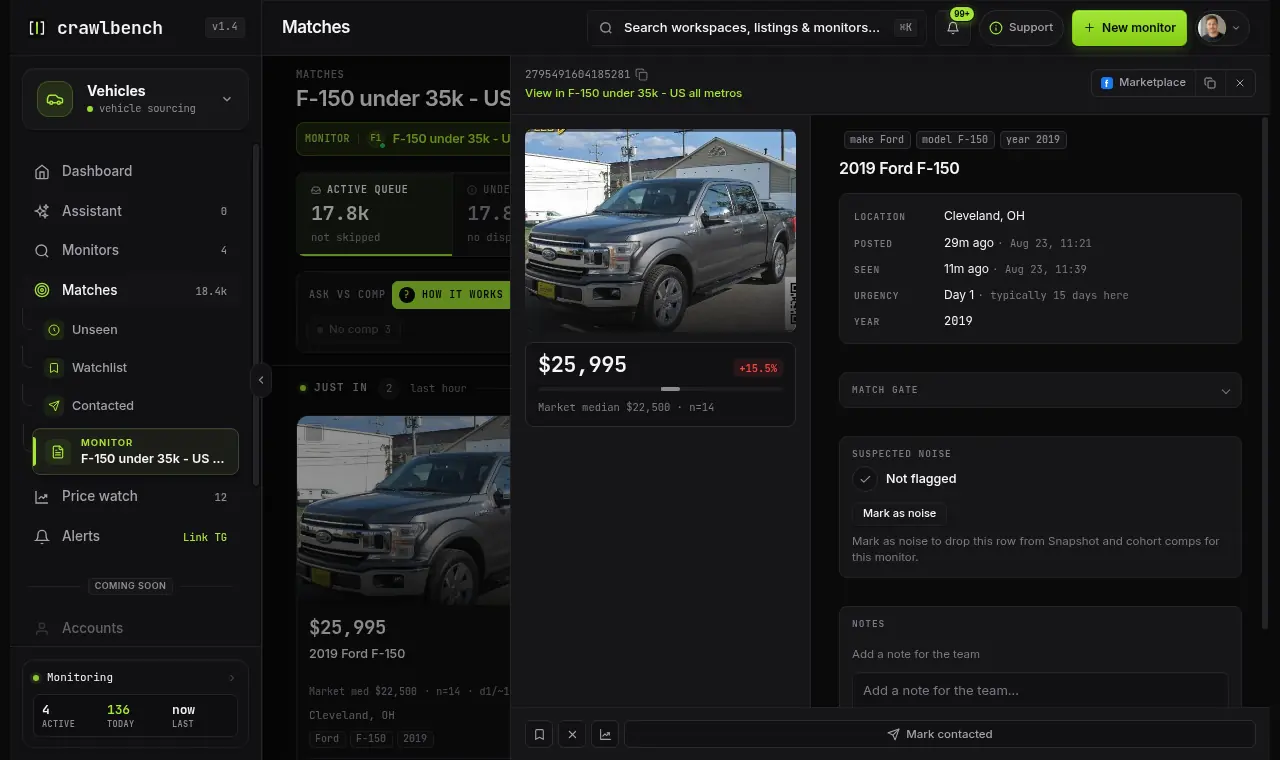
Send a short human first message from your own Facebook account. Ask one clear question or propose a pickup window. Do not spray "Is this available?" from automation.
After you message or skip, move on. Do not re-open the same row five times. Weekly, skim junk that slipped through and update filters one dimension at a time.
Guides
Save Facebook Marketplace listings to follow their price. Set a target, compare with the usual price, and get an alert when the seller cuts.
Guides
Link the Crawlbench Telegram bot on Alerts and get new listings in one chat, while you message sellers yourself.
Guides
Turn alert channels on or off, and connect Slack and Discord.

Crawlbench compares each new listing with similar ones nearby and alerts you when a good one appears. Your first search goes live at signup.
Free for 24 hours. No credit card.