
Guides
How to search several cities (and when to use all cities)
Choose one city, your own list of cities, or all cities, and spend city slots on places you will actually review.
Guides
Open a search's market prices (year ladder, usual price, range, cities) before you chase a listing. These are asking prices, not sold prices.
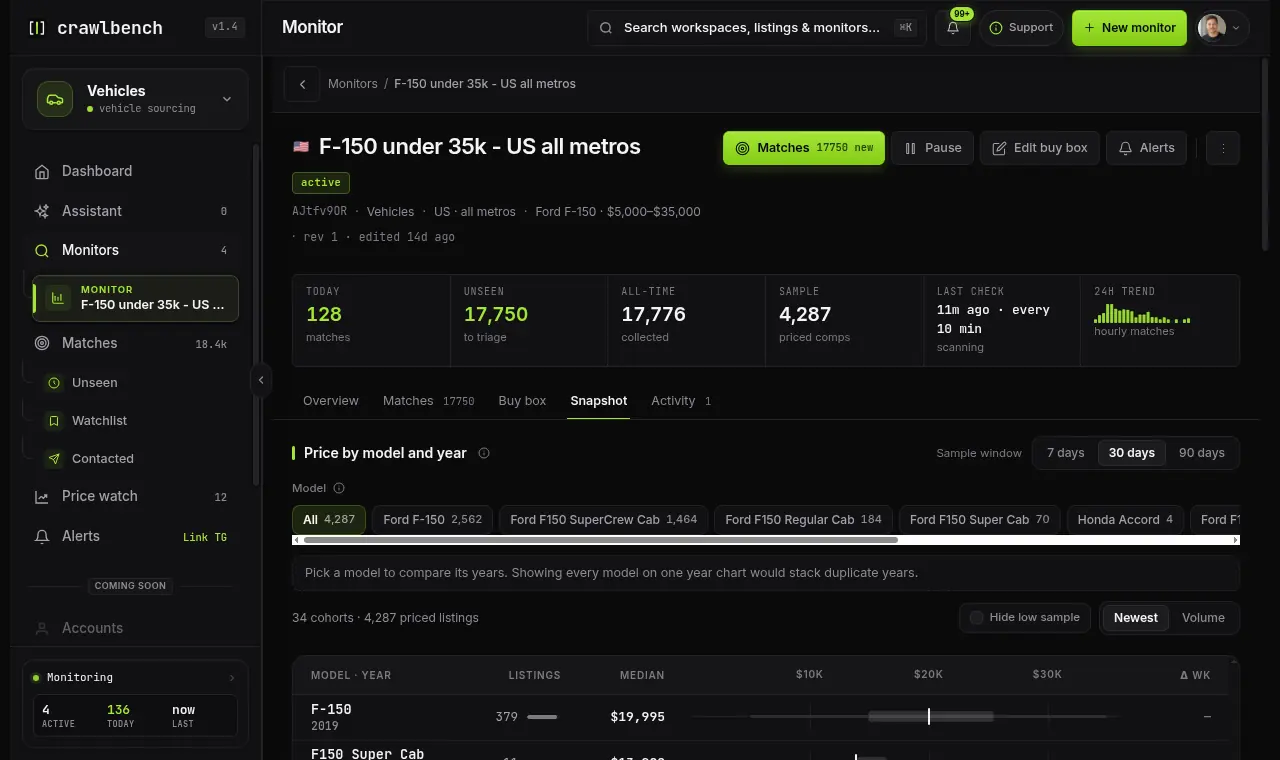
Open a monitor's Snapshot tab for Crawlbench's comps surface on that buy box. It reads medians, interquartile bands, observed range, weekly volume, and metro splits from Facebook Marketplace listings Crawlbench has already seen. Then you decide whether an ask is cheap, fair, or bait.
Snapshot answers "what does this monitored market look like?" Match triage answers "should I message this seller now?"
Some tools gate every alert on sold-comp profit math. Crawlbench does not. Market Snapshot is the honest assessment layer we ship today:
If a reviewer asks where the ROI / comps answer lives, point them here, not at a dashboard attention card.
From Monitors, open the monitor, then choose the Snapshot tab (Overview / Matches / Buy box / Snapshot / Activity). You can also jump there from Matches or the dashboard monitor actions. The header keeps the buy box identity, coverage, and priced-comp sample count while Snapshot fills the body.
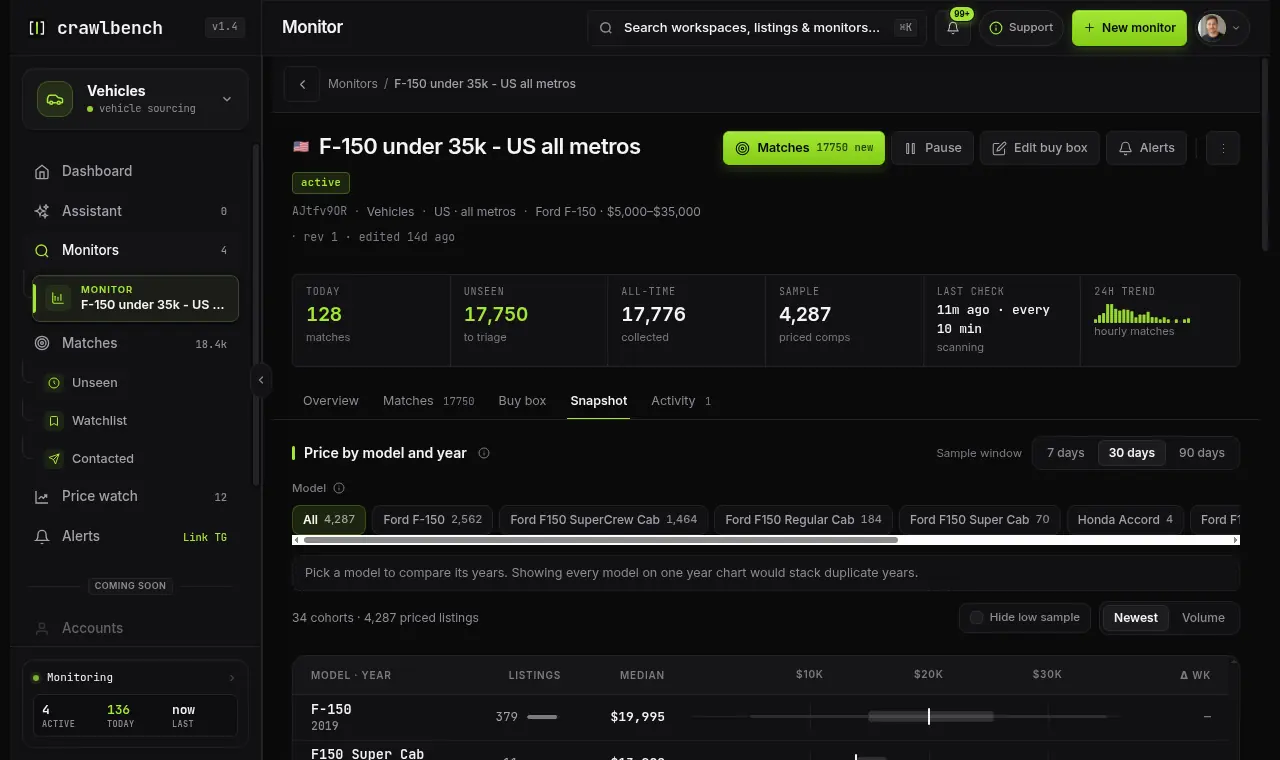
Every paid plan puts a market comp on the match row itself: the asking-price median for that listing's segment, plus how far the ask sits from it. Snapshot is the layer above that: the whole distribution for the buy box. Starter and Growth do not include it. Pro, Scale, and an active Day Pass unlock windows (Day Pass tops out at 7 days). Upgrade from Settings → Plan when the empty state says Snapshot is plan-gated.
Use 7 days when you care about the last few cycles. Use 30 days for a steadier desk read. Use 90 days when you want a longer band and your plan allows it. Model chips (when the buy box spans trims) focus the ladder so years do not collide across variants.
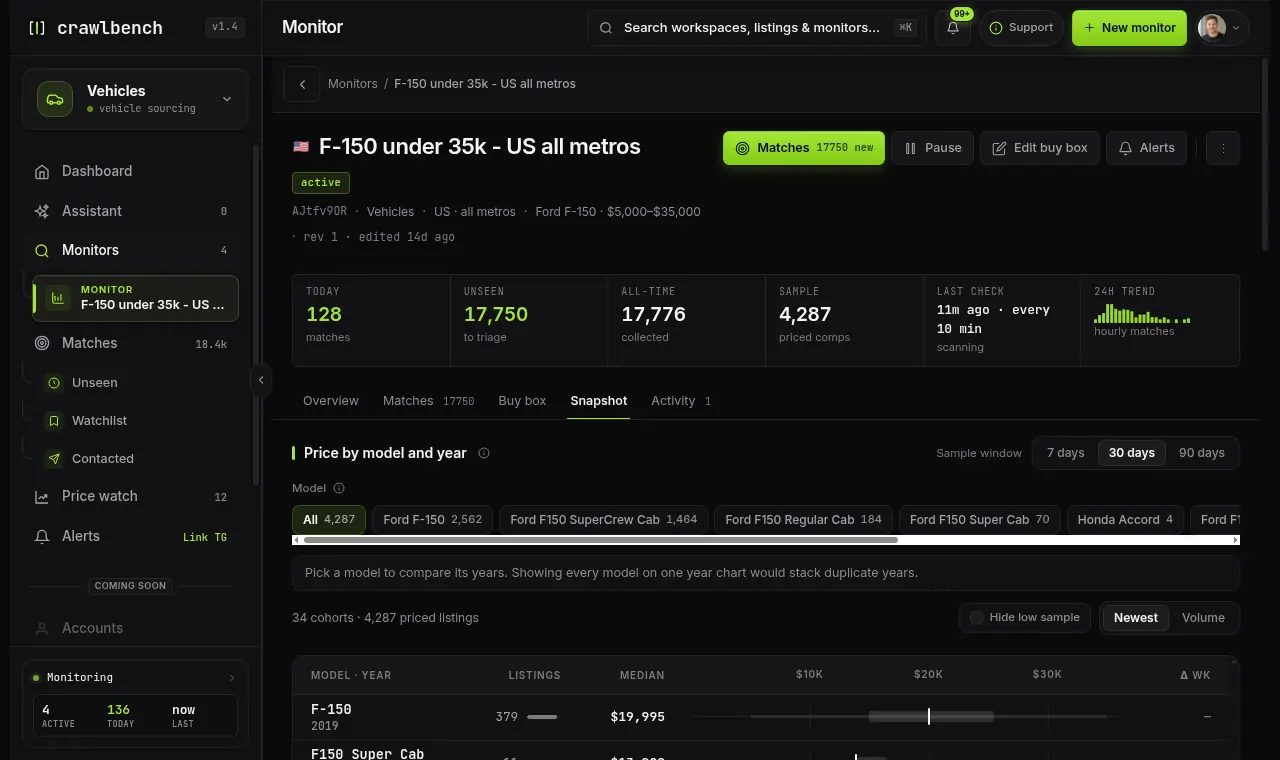
Short windows move with noise. Long windows hide a sudden price shift. Switch windows when a number feels too good to trust. Hide low-sample rows when a thin year is only noise.
Price by model and year is the desk view: each row is one model year (or model + year) with listings, median, and a shared price axis (min–max line, P25–P75 box, median tick). Pick a year to open distribution detail underneath.
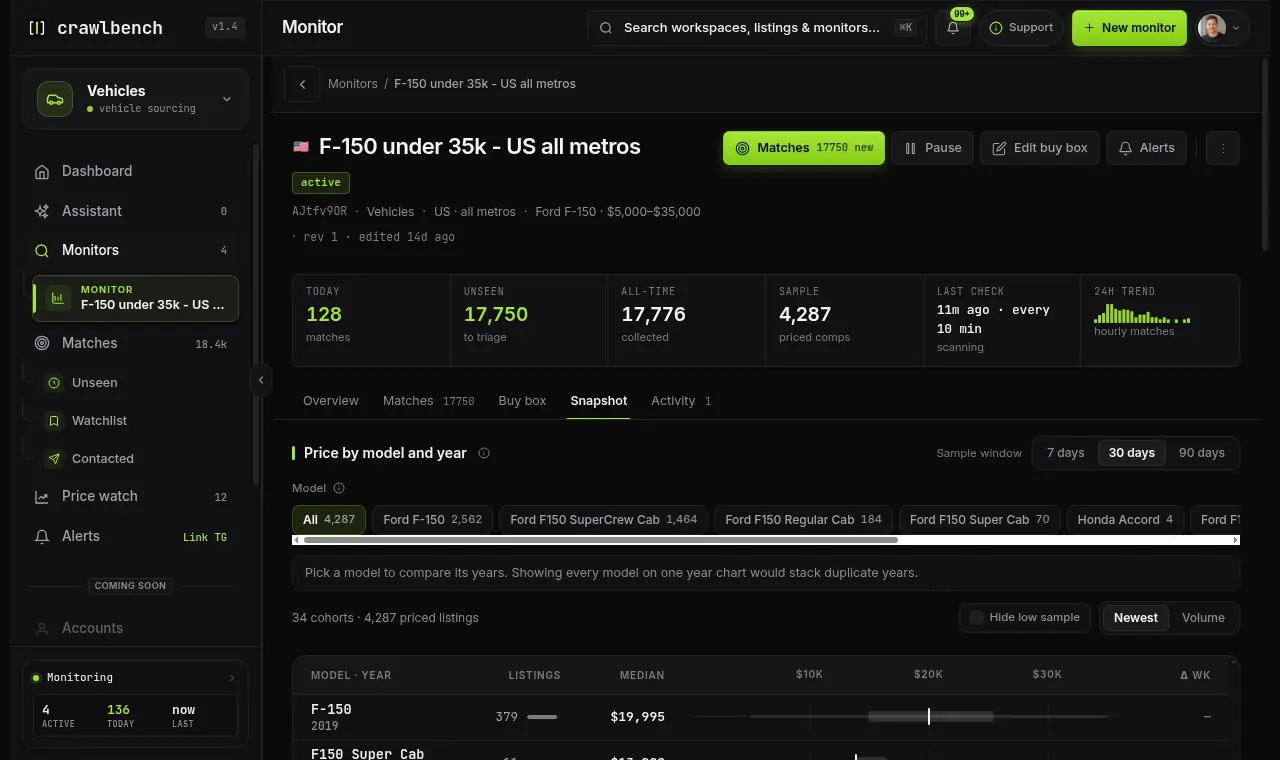
For the selected year, Median ask is the center of the priced sample. Typical range is the P25–P75 band where half the listings sit. Min / max is the observed range, including outliers. Listings / week is average volume in the window. Price-cut share adds context when the sample supports it.
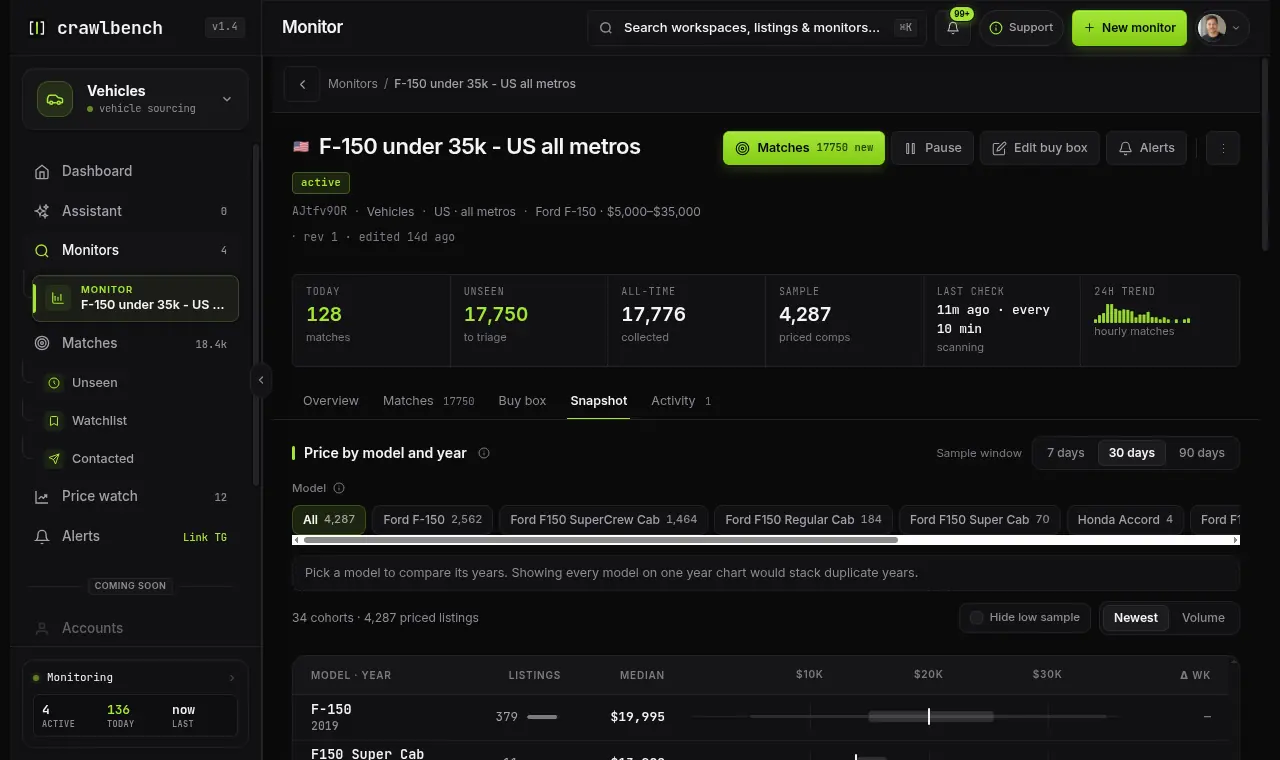
Low sample means the chart is thin. Do not treat a handful of listings as a national market. Share card unlocks when the sample is solid enough for a branded export.
Metro price bands split the window sample by metro on the same price axis, with each city's median versus the whole-sample median. Use it when coverage spans many cities and you care where the ask is cheap relative to supply.
Guides
Choose one city, your own list of cities, or all cities, and spend city slots on places you will actually review.
Guides
A new search is checked at once, busy cities are checked as often as your plan says, and alerts cover new listings.
Guides
What each plan buys: the Day Pass (24 hours, no card, 1 search), then Starter 3, Growth 8, Pro 20 and Scale searches, with alerts, Saved and the assistant.

Crawlbench compares each new listing with similar ones nearby and alerts you when a good one appears. Your first search goes live at signup.
Free for 24 hours. No credit card.