Guides
How to read the price rating on Facebook Marketplace
What Great, Good, Fair and High price mean on a Facebook Marketplace listing: the usual price for similar listings, the range, and when we hold one back.
Guides
What each plan buys: the Day Pass (24 hours, no card, 1 search), then Starter 3, Growth 8, Pro 20 and Scale searches, with alerts, Saved and the assistant.
Crawlbench plans buy searches, how often busy cities are checked, and alert channels. Value shows up as fewer refresh tabs and faster first messages, not as auto-DMs.
Pick the plan for the team you run this month. Upgrade when your searches are tight and clean and you are short of searches or people.
Open Pricing. Starter ($39 a month), Growth ($79), Pro ($199), and Scale (from $499) differ mainly in how many searches you run (3, 8, and 20, then set by contract), how often busy cities are checked, and how many people share the team (Pro includes 3). Every plan has alerts, Saved, the assistant, and the usual price on each listing. Every paid plan also has the API.
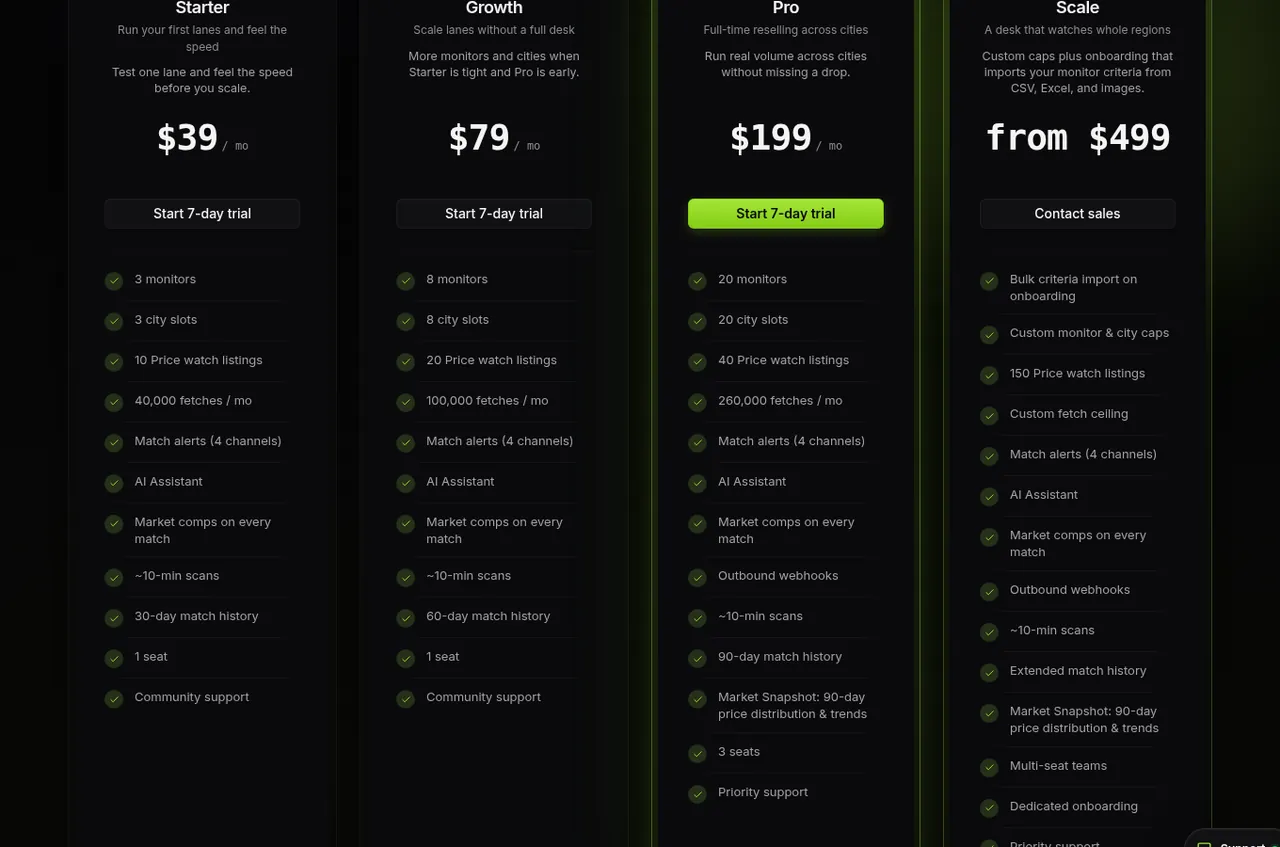
Growth sits between Starter and Pro when a few searches are not enough and a full team is early. Scale is for teams that need custom limits. Contact support when the compare table no longer fits.
Every account gets one Day Pass: 24 hours, no card, and one search. Use it to prove the loop: turn a search on, get an alert, review the listing. It is not a forever free tier.

After the day ends, start the 3-day trial from Settings → Plan or from Pricing when you are ready. A card is required for the trial. Cancel any time.
Open Settings → Plan for your current plan and how many searches you use. On a trial or paid plan you also see Change plan with Starter, Growth, Pro, and Scale side by side.
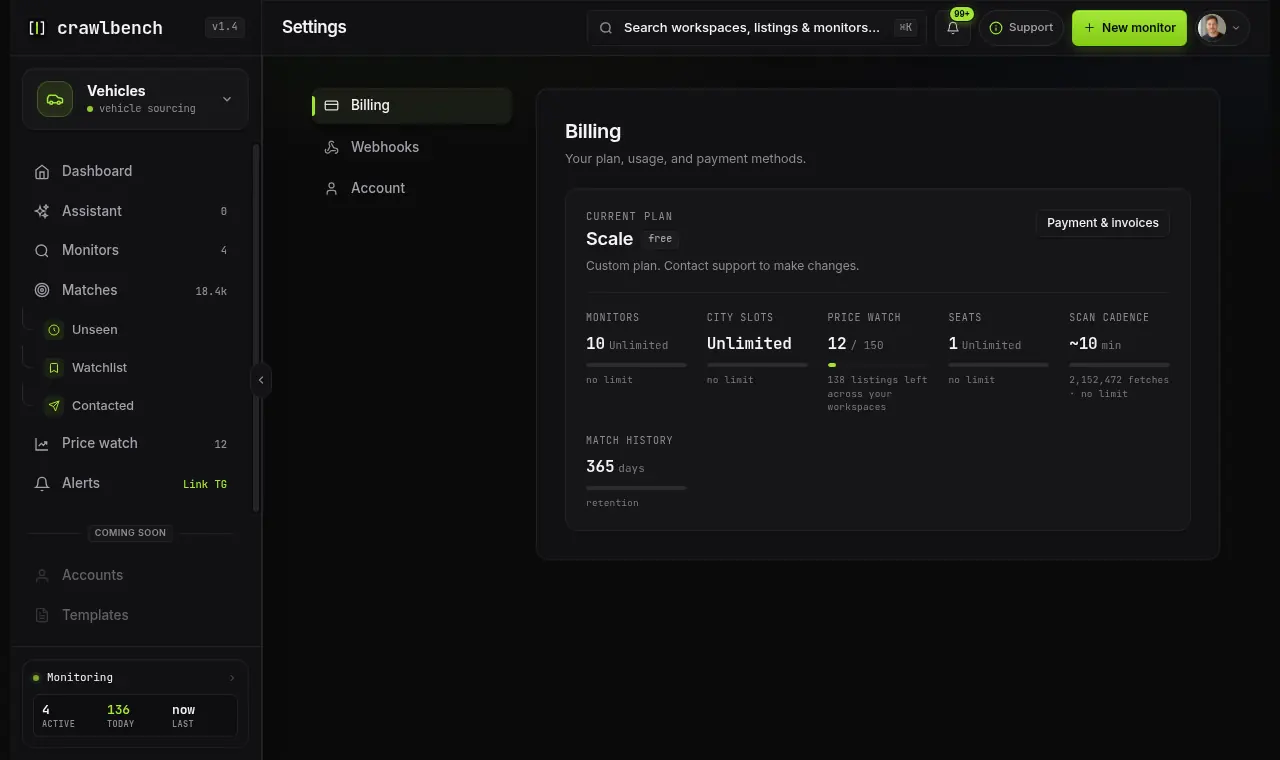
Hit a ceiling? Tighten your filters or your cities before you buy more. A noisy, wide search wastes checks and attention.
Crawlbench does not message sellers for you. The paid loop ends at a good listing you can act on.
If the week produces no listings worth a message, fix the search. Do not add searches first.
Guides
What Great, Good, Fair and High price mean on a Facebook Marketplace listing: the usual price for similar listings, the range, and when we hold one back.
Guides
Why Crawlbench publishes Facebook Marketplace asking prices, and why that honesty is what makes market-price pages usable.
Guides
Open the search wizard, pick a category and location, set what you buy, and turn the search on.

Crawlbench compares each new listing with similar ones nearby and alerts you when a good one appears. Your first search goes live at signup.
Free for 24 hours. No credit card.